The Instruction Set
In 1975, Chuck Peddle[1] and a team at MOS Technology introduced the 6502 at the Western Electronic Show and Convention. They sold it at the booth for 150 to $300. The price difference was not a discount — it was a different calculation.
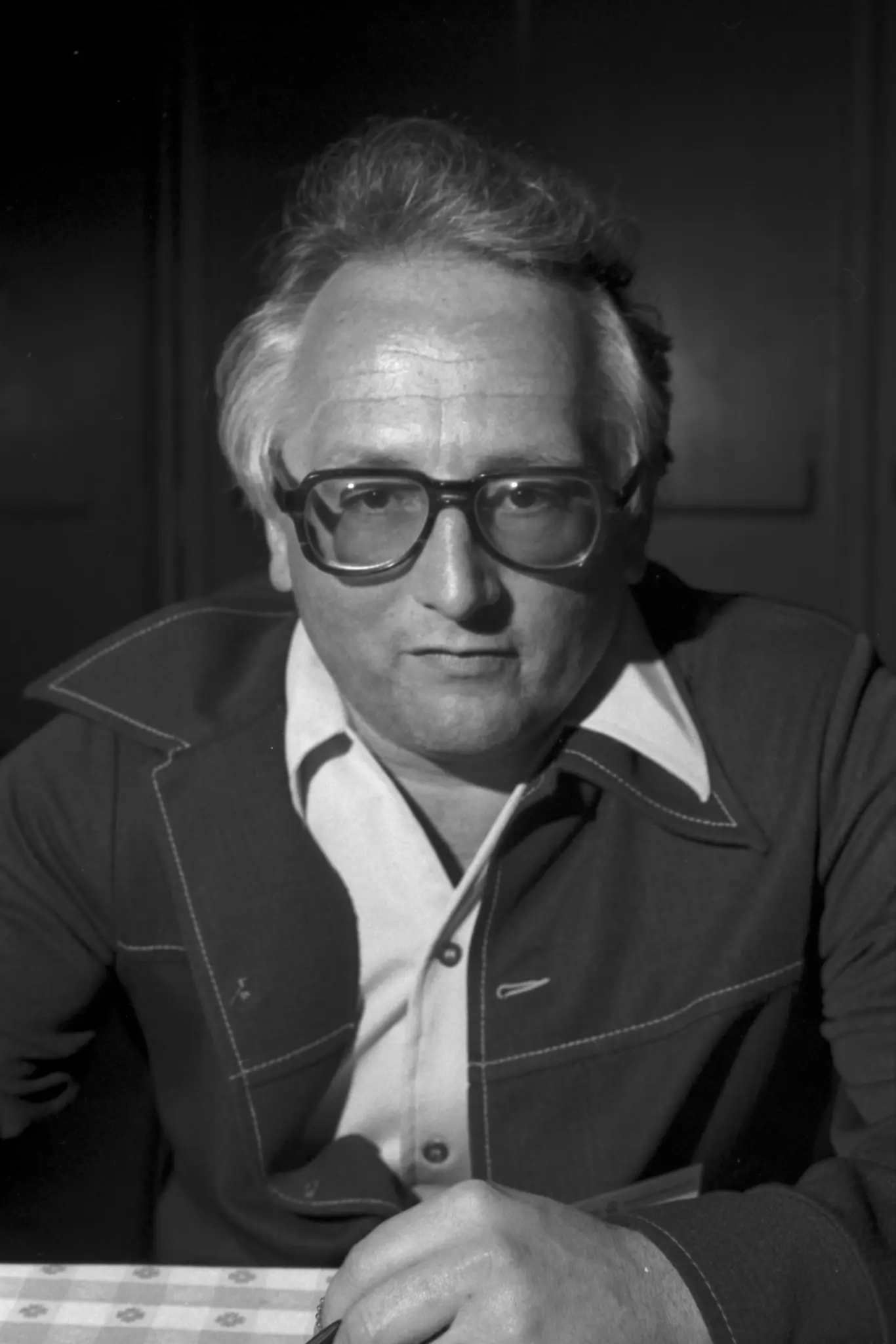

Peddle's team had left Motorola specifically to build a cheap CPU for the personal computing market that Motorola had decided was not worth their time. They were right about the market.
The 6502 is in the Apple I and Apple II, the Atari 2600, the Commodore PET, the VIC-20, the Commodore 64, the BBC Micro, the Nintendo Entertainment System. It powered personal computing from 1975 through the end of the 1980s — every important machine of that era ran on this instruction set or a compatible variant.
In 1984, The Terminator[2] needed to show what a machine sees. The filmmakers scrolled code across a red screen — widely identified as real Apple II software and actual 6502 assembly. The chip had become so ubiquitous that Hollywood reached for it as the visual shorthand for machine intelligence.
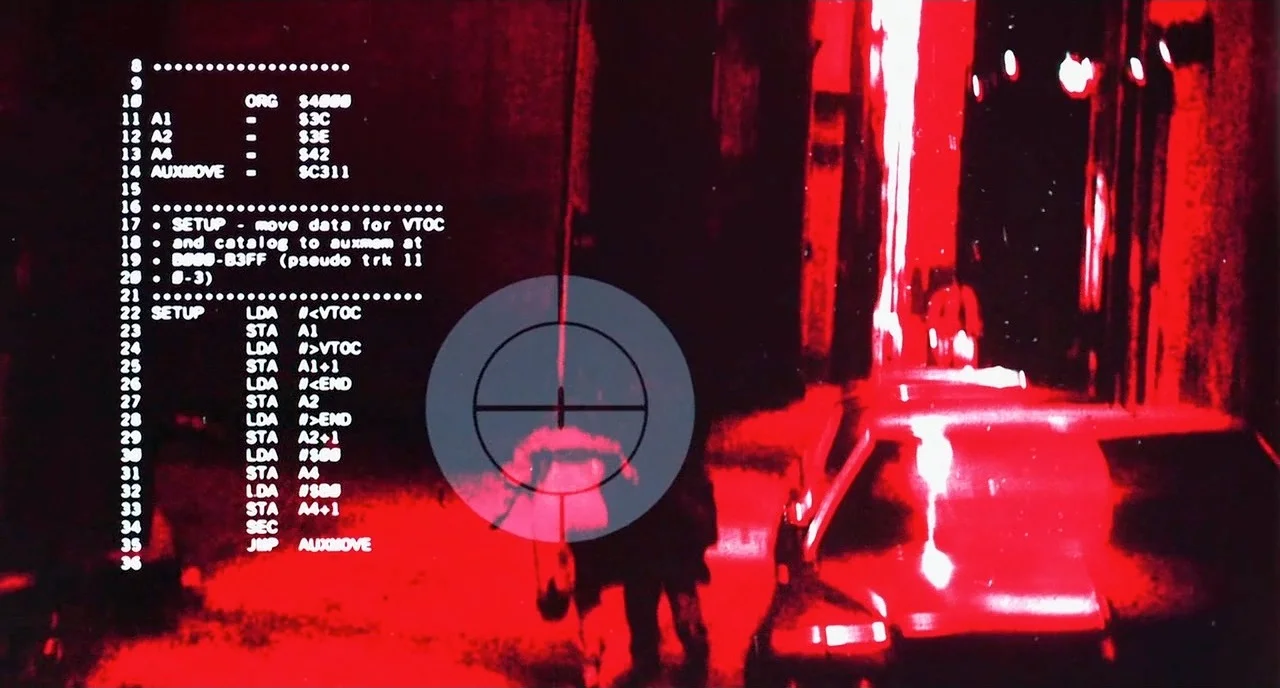
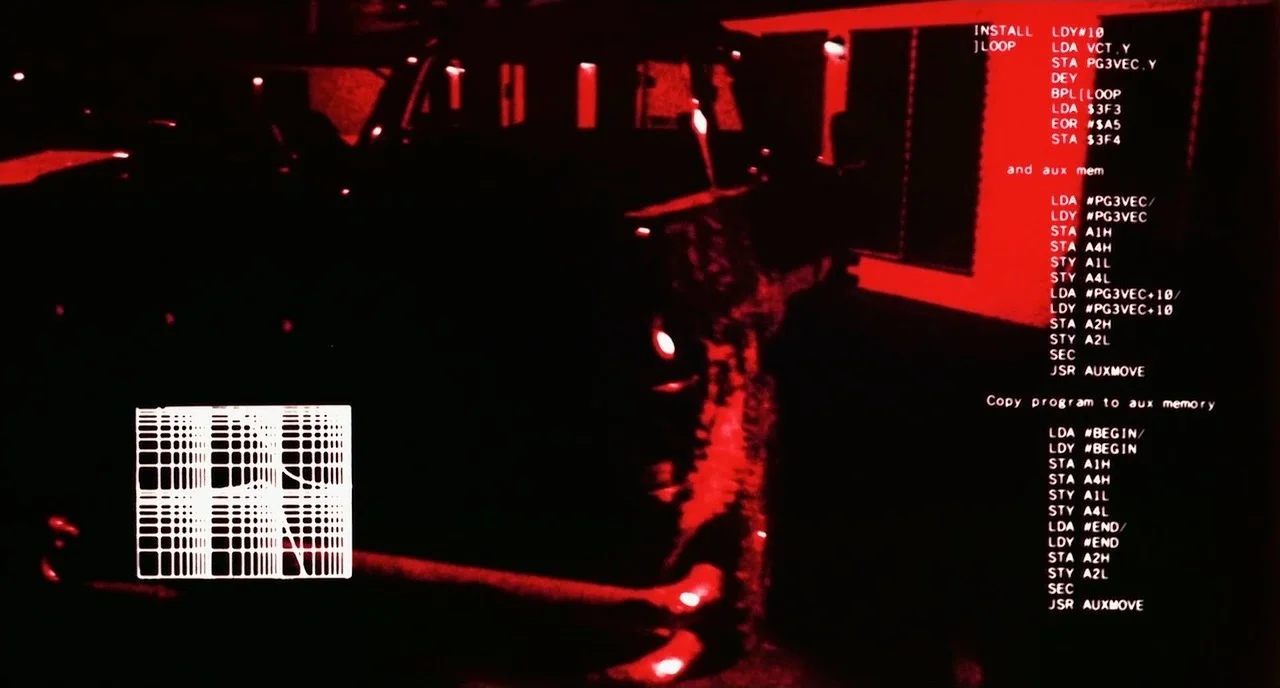
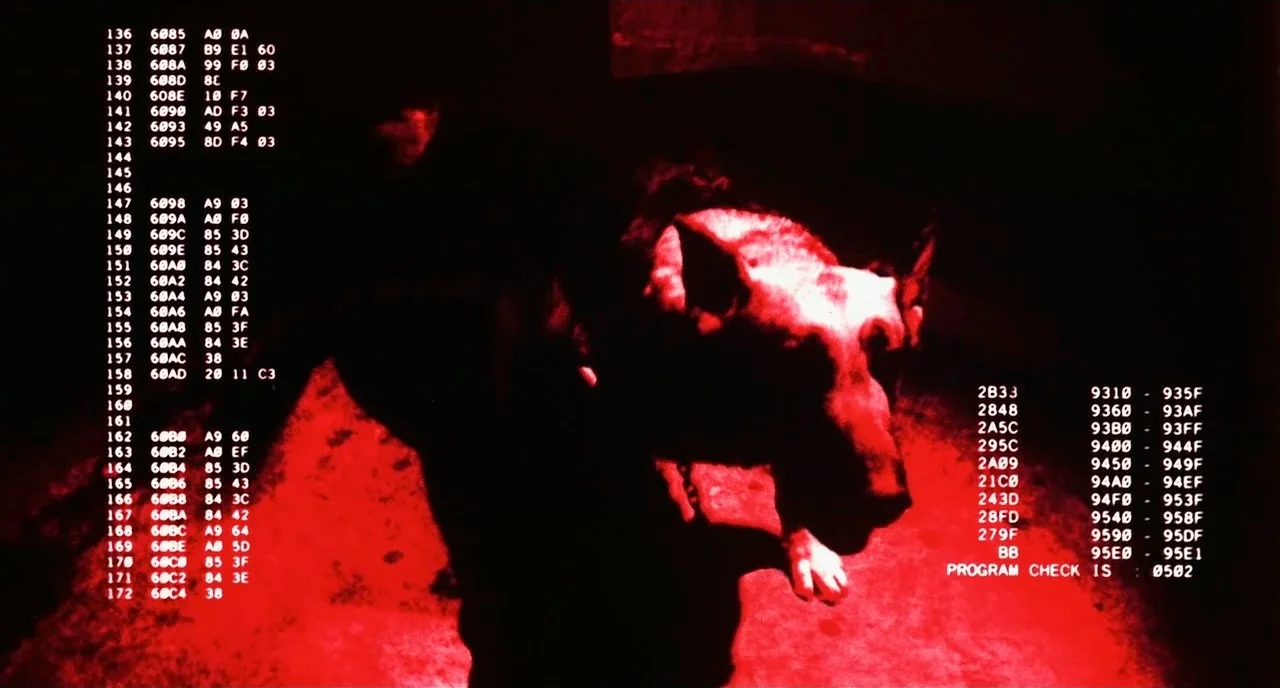
This chapter writes it.
The implementation pages build five programs on the breadboard from the previous chapter, adding a 65C22[3] VIA chip for GPIO[4]. Each program introduces a new part of the instruction set: the counter covers memory and arithmetic, the LED covers output, the button covers input, the tone covers timing, and the game loop ties them together. Start at Setup.
The First Program
The first program I wrote for the 6502 was two instructions:
    lda #$01
    sta $0200
Load the value 1 into the accumulator. Store it to address $0200.
That is it. The assembler turned it into five bytes: A9 01 8D 00 02.
Five bytes counting the instruction and its operand. I burned it to the
EEPROM, powered the breadboard, and nothing visible happened — because
nothing was connected to address $0200. The CPU executed the instructions
and halted (or rather, ran off into uninitialised memory and reset).
The second version added a loop and wired an LED to a VIA output pin:
    lda #$ff
    sta DDRB        ; configure PORTB as output
    lda #$01
    sta PORTB       ; LED on
The LED lit. That was the moment the abstraction dissolved — there is no mystery here, no hidden layer. The CPU writes a byte to an address. The VIA chip, wired to that address, sets a pin high. The pin drives an LED. Physics and logic, all the way down.
The original 6502 has 56 instructions. Not 56 families — 56 instructions total. You can write them on one side of a sheet of paper. Load, store, transfer, arithmetic, logic, branch, jump, stack, status. That is the complete vocabulary of the machine. By the end of this chapter you will have used most of them.
Combat is 2KB of this. Adventure is 4KB. Every byte in those programs went through the same three-step process: load something into a register, do something with it, store or branch based on the result.
The Project
Write five programs for the 6502 breadboard. Each lives in its own .s
file in the companion repo.
counter.s — increment a memory location in an infinite loop.
Verifies that the CPU is executing arithmetic instructions correctly.
led.s — configure the VIA PORTB as output and set a specific pin
high. The LED on that pin lights.
button.s — read a button connected to a VIA PORTB input pin.
When the button is pressed, light an LED on a different pin.
tone.s — toggle a VIA output pin in a timed loop to produce an
audible tone through a speaker.
game.s — a minimal game loop: the button controls the LED, the
tone plays when the LED is lit. The complete program is under 200 bytes.
Each program must assemble cleanly with vasm6502_oldstyle -Fbin -dotdir
and produce the expected hardware outcome when burned to the EEPROM.
The Tester
There is no automated tester for this chapter. Each program's expected
outcome is documented in the companion repo's OUTCOMES.md. Run the
program on the breadboard and confirm the hardware behaviour:
counter.s— address lines toggle at the expected rateled.s— the LED on PB0 lights on power-upbutton.s— LED on PB0 mirrors the button state on PB7tone.s— audible tone on power-upgame.s— button controls LED and tone together